
More than one image.
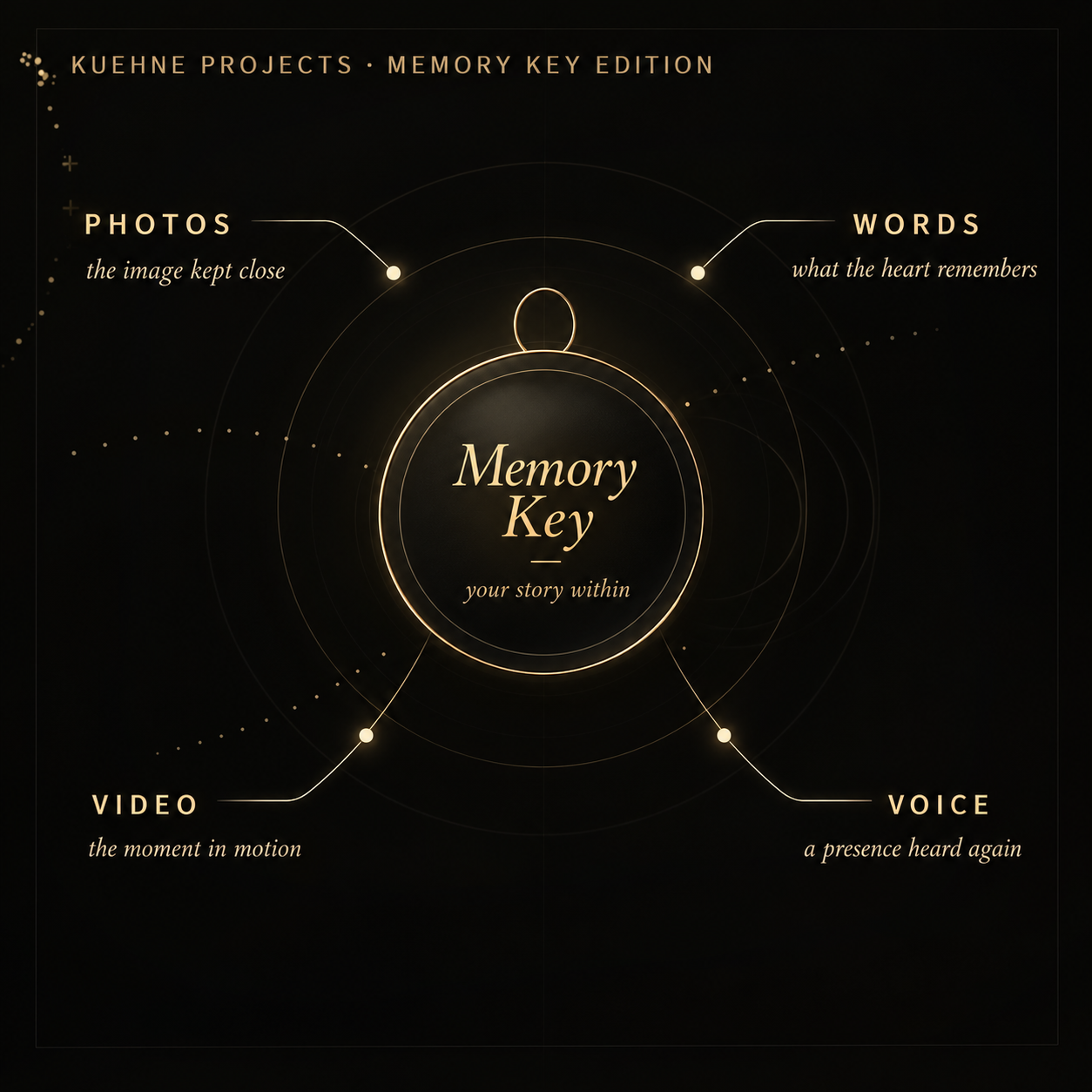
A private set of images connected to the memory.
Short films, family moments or a message you want to keep.
A voice note, greeting or sound that still matters.
Names, dates, letters or the story behind the piece.
A Memory Key adds a private digital layer to selected KUEHNE PROJECTS pieces. One tap can open the photos, video, voice, words or destination connected to that memento.
Memory Key adds a digital layer to selected mementos. With a compatible NFC-enabled device, a simple tap can open the content connected to the piece — from photos and video to voice, words or a private link.
Your chosen image, design or memory becomes part of a physical piece made to wear, hold or gift.
Hold a compatible NFC-enabled device near the Memory Key. Depending on the device, NFC may need to be enabled first.
Open photos, video, voice, words or another private destination linked to the memento whenever you want to revisit it.
Not every device includes NFC. Memory Key uses a standard NFC link, so compatibility depends on the hardware, operating system and settings of the device you want to use. No KUEHNE PROJECTS app is required.
Look in the device settings for NFC, Near Field Communication or a contactless setting. You can also check the technical specifications for the exact model.
Some devices read NFC automatically, while others provide an NFC switch in Settings or Quick Settings. The exact behavior varies by model and software version.
Many NFC-enabled smartphones can open the link directly. Some tablets and other compatible NFC devices may work too. Cases, metal or magnets can reduce the reading range.
iPhone XS or newer: Hold the top of your iPhone near the Memory Key. The NFC link can be detected automatically — no app required.
iPhone 7, 8 & X: NFC is supported, but an NFC reader app may be required.
Make sure NFC is enabled if required by your device. Hold the NFC area on the back of the phone near the Memory Key. The NFC position varies by model.
Most iPad models cannot read standard NFC tags directly. Simply use the personal QR code instead — no NFC is required.
Every Memory Key can also be accessed using its personal QR code. Simply scan the QR code with your phone or tablet — no NFC-enabled device is required.
A private set of images connected to the memory.
Short films, family moments or a message you want to keep.
A voice note, greeting or sound that still matters.
Names, dates, letters or the story behind the piece.
Memory Key is optional and available with selected KUEHNE PROJECTS memory pieces. The add-on includes 5 years of digital access from activation and can be extended before the included period ends. Current extension options are 1 year, 3 years or 5 years.
iPhone: iPhone XS or newer — hold the top of the iPhone near the Memory Key and tap the notification. iPhone 7, 8 and X may require an NFC reader app.
Android: Make sure NFC is enabled, then hold the back of the phone near the Memory Key and tap the notification.
iPad: Most iPads cannot read NFC tags directly. Please use a compatible iPhone or Android smartphone.
Tip: Remove thick or metal phone cases if the Memory Key is not detected immediately.